

The AI That Does the Work
ChatGPT answers your questions. Giga connects to your tools, runs your reports, and delivers real outputs. One is a chatbot. The other is an AI employee.
Last updated: June 2026
An AI employee that lives in Slack, connects to all your business tools, takes real actions, and delivers finished work — not just answers.

A general-purpose chatbot for conversations, writing, and brainstorming. Powerful for ideas — but it can't take action across your stack.
How Giga compares to ChatGPT
Tom 9:02 AM
@Giga audit our Meta Ads and Google Ads spend. Compare vs last month.
GigaAPP9:02 AM
Meta Ads: CPA down 12% MoM, ROAS up to 3.4x
Google Ads: Brand campaigns strong, pMax underperforming
A teammate in Slack, not a tab in your browser.
Giga lives where your team already works. You @mention it in a channel or DM it directly, just like messaging a colleague. It sees the conversation context, knows who's asking, and remembers what you discussed last week.
ChatGPT lives in a separate browser tab. Every conversation starts from scratch. You provide the context manually every time, and whatever ChatGPT produces, you still have to bring it back to your team in Slack.
Giga's integration into Slack means your entire team benefits. When Giga automates a weekly report, everyone in the channel sees it. There's no copy-pasting between apps.
Connected to the tools
you already use.
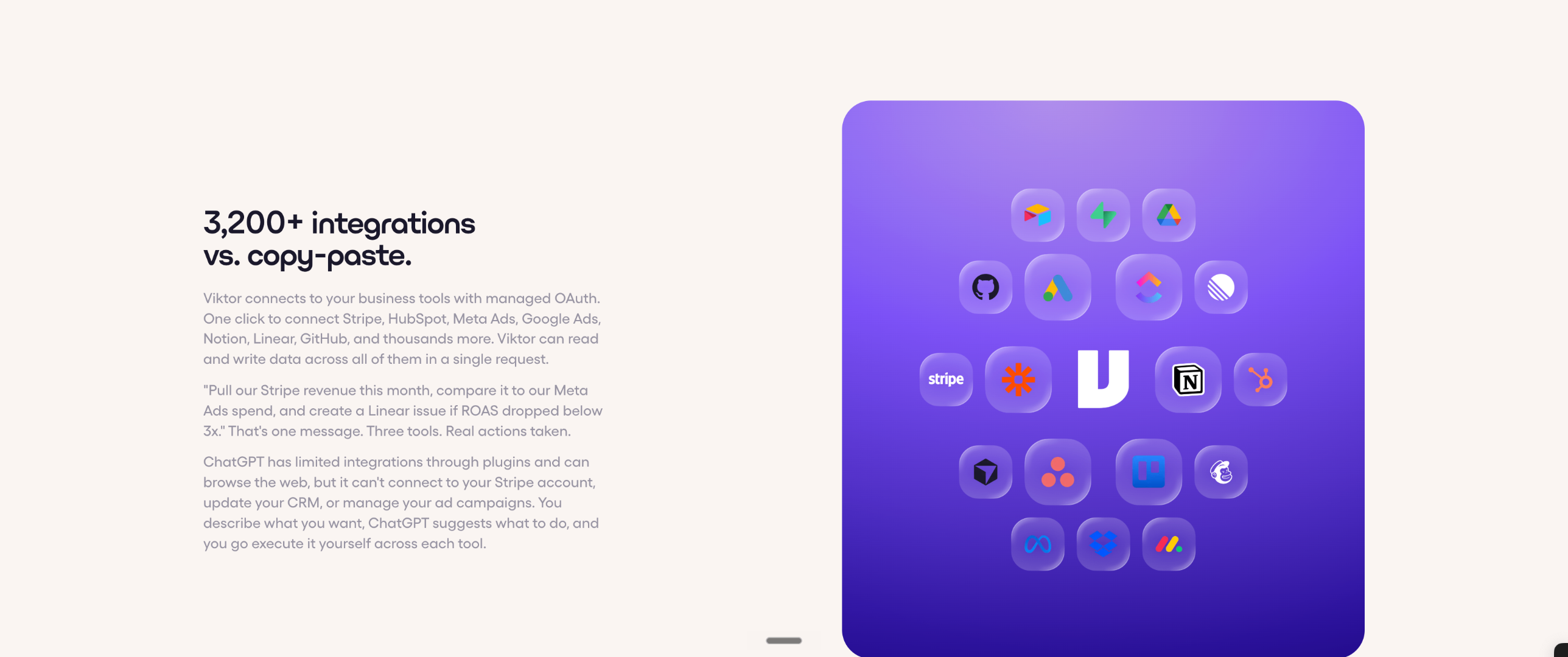
Giga connects to your business tools with managed OAuth. One click to connect Stripe, HubSpot, Meta Ads, Google Ads, Notion, Linear, GitHub, and the rest of your stack. Giga can read and write data across all of them in a single request.
"Pull our Stripe revenue this month, compare it to our Meta Ads spend, and create a Linear issue if ROAS dropped below 3x." That's one message. Three tools. Real actions taken.
ChatGPT has limited integrations through plugins and can browse the web, but it can't connect to your Stripe account, update your CRM, or manage your ad campaigns. You describe what you want, ChatGPT suggests what to do, and you go execute it yourself across each tool.


When to choose Giga vs ChatGPT
Choose Giga if:
- You need an AI that connects to your business tools and takes real actions
- You want your team to share one AI employee with shared context and memory
- You need professional deliverables: PDFs, Excel reports, PowerPoint decks, web applications
- You want automated, scheduled tasks running without manual prompting
- You want an AI that proactively suggests automations based on your team's work patterns
- You need ad campaign management, cross-tool analytics, or codebase contributions
Choose ChatGPT if:
- You need a general-purpose AI for brainstorming, writing, and one-off questions
- You work primarily solo and don't need team-wide AI capabilities
- You don't need your AI connected to business tools like Stripe, HubSpot, or ad platforms
- You want a free or low-cost option for personal use
Questions people ask before adding Giga
Giga and ChatGPT serve different purposes. ChatGPT is a general-purpose AI chatbot for conversations, writing, and brainstorming. Giga is an AI employee built for business operations: it connects to your tools, takes real actions, delivers professional documents, and automates recurring work. Many teams use both.
Stop asking. Start doing.
Give your team an AI employee that connects to your tools and gets real work done.